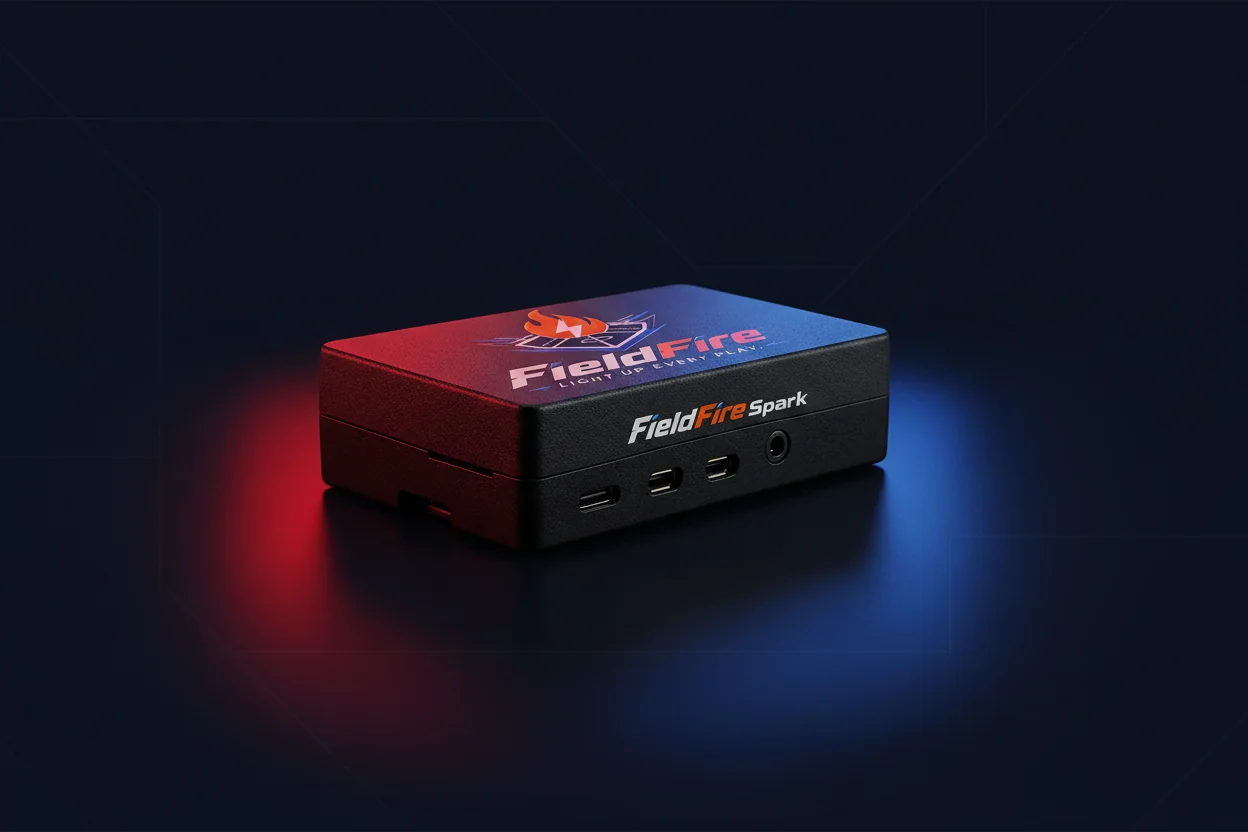
A three-panel scoreboard and hype controller for teams, facilities, bars, schools, and indoor venues that want a visible game-day command surface.
View StandardConnected game-day platform
Control the game. Elevate the experience.
Real LED scoreboards, browser control, team identity, hype audio, and a customer portal that keeps every FieldFire device connected after the final out.
Shop FieldFire
Start with the hardware that fits the room.
The landing page highlights the products currently active in Shopify while keeping planned configurations as future tier context.
A no-display controller for scoreboard control, hype audio, and browser or HDMI output when customers already have screens or speakers.
View CoreKeep the game readable
Track score, inning, count, bases, teams, final states, and supported live-source workflows while keeping the current product claims baseball-first.
Make every cue pay off
Trigger walk-up, rally, moon-shot, strikeout, crowd, defense, and final cues with audio and visual hype moments that feel matched to the moment.
Use the right FieldFire surface
Use Standard for teams and venues, Core Controller for existing screens or speakers, and planned configurations as the product line expands.
Ways To Use FieldFire
One game-day brain. Many ways to light up the room.
FieldFire can be a tabletop scoreboard, a team hype station, a venue score wall, an HDMI or web display controller, or an audio cue deck tied to the screens and speakers you already have.
Give every score, rally, and final a physical moment instead of another passive screen.
Run team colors, logos, roster moments, MP3 cues, and visual reactions from a local browser.
Turn live games into a repeatable room experience with score, sound, sponsor space, and operator control.
Start compact, use existing screens or speakers with Core Controller, or plan a 3-top/3-bottom Pro score wall.
Feature matrix
What FieldFire actually controls.
Score clarity, Hype Deck moments, team identity, licensing, live sources, display paths, and room use cases are shown together so buyers can understand the hardware and the cloud subscription model before they buy.
How it works
From setup to game day without a production crew.
FieldFire is designed around practical setup, local control, and a cloud portal that keeps the customer account, devices, licenses, and support path organized.
Pick a FieldFire display system or use Core Controller with screens and speakers already in the room.
Run score, teams, audio cues, and visual moments from the FieldFire browser controller on the local network.
Register the device with the portal so customers can manage licensing, firmware, support, and remote diagnostics.
Use firmware downloads, help articles, and support access as new FieldFire features and device profiles come online.
Customer portal
A secure entry point for device ownership.
The FieldFire Portal is where customers sign in to manage devices, enroll new units, purchase licensing and upgrades, download firmware, open support, and review account access.
Claim FieldFire hardware, see check-ins, and keep the local controller usable even when internet access is interrupted.
Connect Shopify purchases to operational entitlements for devices, support, firmware, and future upgrade paths.
Find release notes, supported hardware profiles, file sizes, checksums, and download links in one customer-facing place.
Use setup docs, enrollment instructions, Wi-Fi help, Bluetooth and audio guidance, matrix checks, and authenticated support.
Product line
Subscription licensing after purchase.
Every FieldFire device includes Basic for local scoring and team workflows. During launch, every newly enrolled device includes 1 year of ProMax so owners can use cloud access, Pro integrations, and larger-site tools before choosing a paid plan.
Manual scoring, My Teams, player callouts with custom uploads, roster and lineup management, Hype Deck, and MLB Live.
Everything in Basic plus GameChanger sync, USSSA sync, and Spotify mixer sync for customers who want third-party game-day sources and audio control.
Everything in Pro plus fleet admin, multi-device management, marketing and digital signage management, tournament sync, and bracket scoreboard availability for complexes and parks.
Launch devices include 1 year of ProMax after portal enrollment. Subscription products stay draft or hidden until approved. Third-party integrations may require customer-owned accounts and are not endorsements. Initial orders may have slightly longer lead times while production ramps.
Ready for customers
Portal access, support, and product ownership stay connected.
The public site explains the product. The portal gives customers a secure place to manage devices, licensing and grandfathered grants, firmware, help, and support after purchase.